How to brief a video editor: a practical template
Turn your idea, footage and references into a clear editing brief. Includes a worked example and a downloadable template.
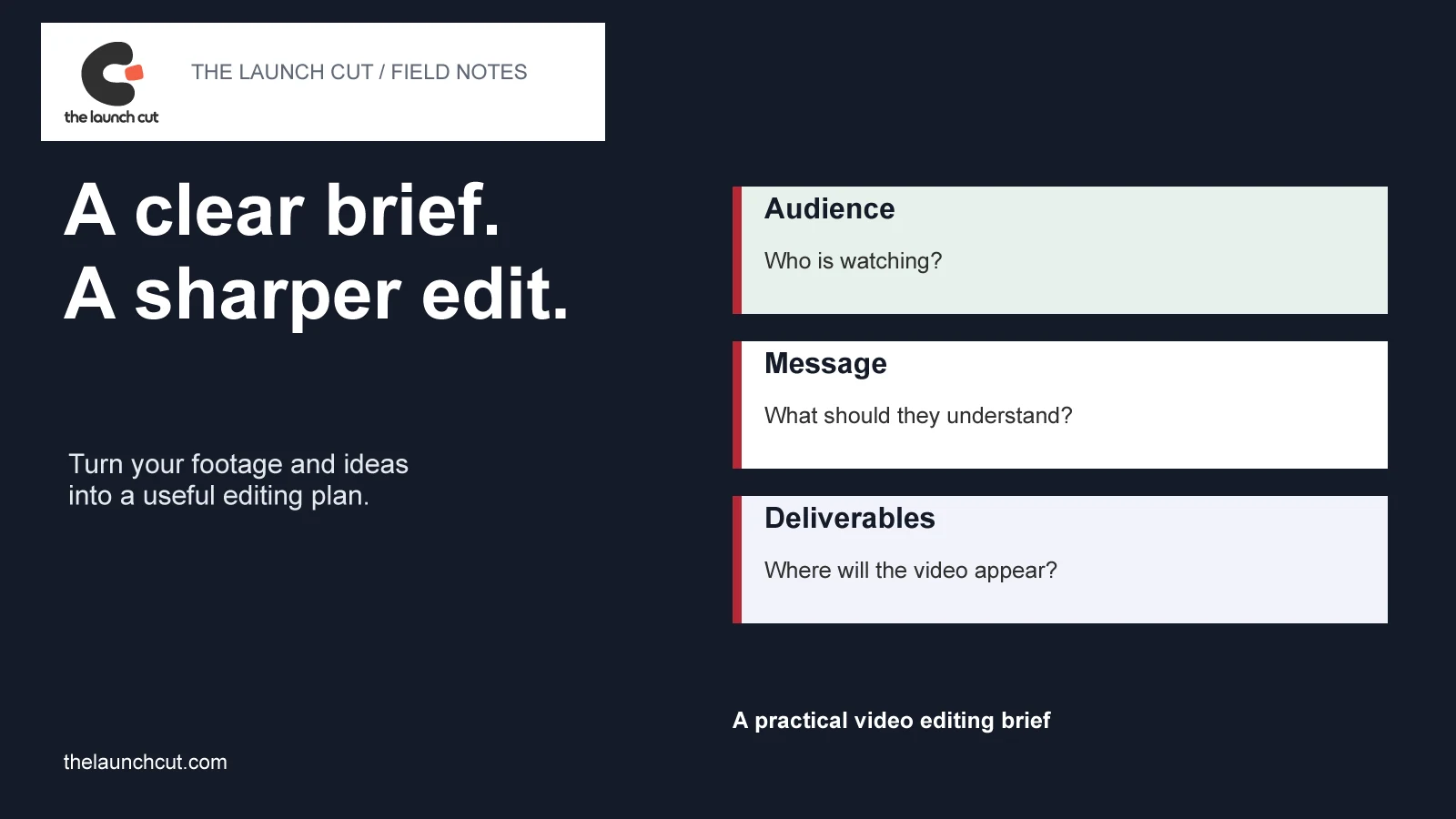
Tell the editor what the video needs to do.
“Make it engaging” leaves most of the important decisions open. An editor still needs to know who will watch, what they should understand, what footage exists and where the finished video will appear.
A useful video editing brief does not need polished agency language. It needs a clear objective, a message the footage can support and a defined set of deliverables. A short, specific document is easier to work from than a collection of disconnected messages and reference links.
This guide includes a reusable template and an illustrative brief. You can use them for a business introduction, product demo, interview edit or short social video.
What should a video editing brief include?
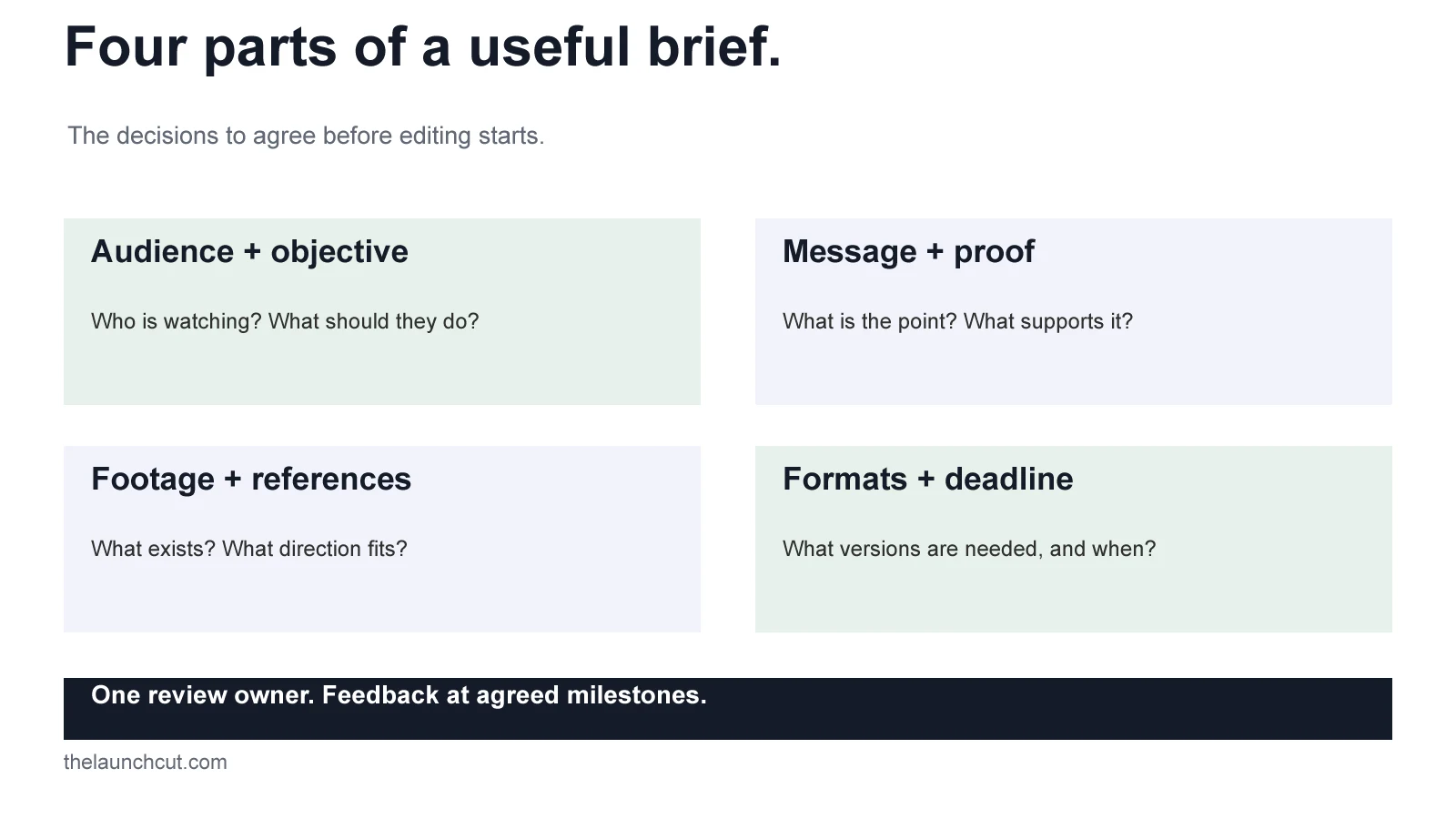
Audience and objective
Describe the person watching and the situation in which they will see the video. A new customer discovering your business needs different context from an existing user learning a feature. Name one primary action: understand the service, enquire, book a call or complete a task.
Message and supporting material
Write the main point in one sentence. Then list what can support it: a demonstration, an interview answer, a screen recording or footage of the work. Flag any claim that needs checking. Do not ask the editor to imply a result that your material cannot establish.
Deliverables and destinations
List each finished version, its intended channel, approximate length, aspect ratio, language and caption requirements. State whether you need an open-caption version, a clean version or a separate caption file. A vertical cutdown is a separate editing decision, not always a crop of the main film.
Platform specifications can change. Check the destination before locking exports; for example, YouTube publishes its recommended upload settings. Include the agreed settings in the brief rather than assuming one export suits every use.
Style references with an explanation
For each reference, identify what you like: the calm pacing, interview-led structure, restrained typography or sound treatment. Include timecodes where useful. A reference should communicate direction; it is not permission to copy another creator’s work or assets.
Schedule, budget and approval owner
Separate the date you can supply complete material, the first-cut review date and the final delivery date. Give a budget range or ask for options against a defined scope. Choose one person to consolidate feedback, and identify any additional approvals required before release.
An example: a coaching workshop introduction.
This is an illustrative brief for a fictional coaching institute, not a client project or a promised package.
- Audience
- Parents considering a weekend maths workshop for students in Classes 9–10.
- Objective
- Help parents understand the workshop and send an enquiry about the next batch.
- Main message
- The workshop uses worked examples and guided practice to help students approach unfamiliar problems.
- Available material
- A teacher introduction, classroom footage, two worked examples and an approved workshop schedule.
- Requested versions
- A roughly 45-second introduction for the website and a roughly 20-second vertical social edit. Confirm caption and export requirements before quoting.
- Visual direction
- Readable titles, a calm pace and enough time to follow a worked example. Avoid exam-score or outcome claims.
- Call to action
- Enquire about the next workshop through the institute’s contact page.
- Review
- The institute owner combines teaching and administrative feedback into one response at each agreed milestone.
The brief leaves room for the editor to shape the opening and rhythm while keeping the business message clear. If the footage does not support the planned demonstration, resolve that before promising a delivery date.
Give the editor material they can actually use.
- Share original files where possible. Keep a backup of the supplied footage.
- Group footage, audio, screen recordings, logos, fonts and approved copy into clearly named folders.
- Identify the preferred interview takes or useful moments with file names and timecodes.
- Explain which music, images and other supplied assets you have permission to use, and any restrictions.
- List missing items, such as a voiceover, product shot or final call to action, before the schedule is confirmed.
- Provide screen recordings without private customer information, personal messages or exposed credentials.
If you only have a rough idea, say so. The next step may be a footage review or script outline before editing begins. That is more useful than filling gaps in the brief with assumptions.
A video editing brief template you can reuse.
Download the plain-text version, fill in what you know and mark the open questions. It includes the audience, message, assets, deliverables, references, schedule, budget and review responsibilities.
Download the brief templateYou do not need every answer before contacting an editor. Distinguish what is fixed from what you want help deciding.
Use the brief when reviewing the first cut.
Start with the agreed audience, message and action. Does the opening establish the right context? Is the key point supported? Can someone follow the video without information that only your team knows?
Give feedback with a timecode, the issue and the intended improvement. “At 00:12, hold the demonstration longer so the last step can be read” is more actionable than “this feels rushed.” Combine comments before sending them and separate corrections from a change of direction.
Agree the revision scope before work begins. Our Terms & Conditions explain reasonable revisions within the agreed brief and changes to approved stages. A clear brief helps both sides identify the difference.
Have footage and a project in mind?
Explore our client video portfolio and video editing service. If you also need cutdowns, we can scope social content versions alongside the main edit.
Discuss your videoFurther reading: Adobe’s introduction to creating a concrete brief covers business goals, audience, scope and deliverables. Source links checked 23 October 2026.